Nigerians in the UK Can Now Renew Their Nigerian Passport Contactlessly: Here's How
Learn how Nigerians in the UK can renew their Nigerian passport using the NIS Contactless Passport Application System with this step-by-step guide.
Auntie Tobi
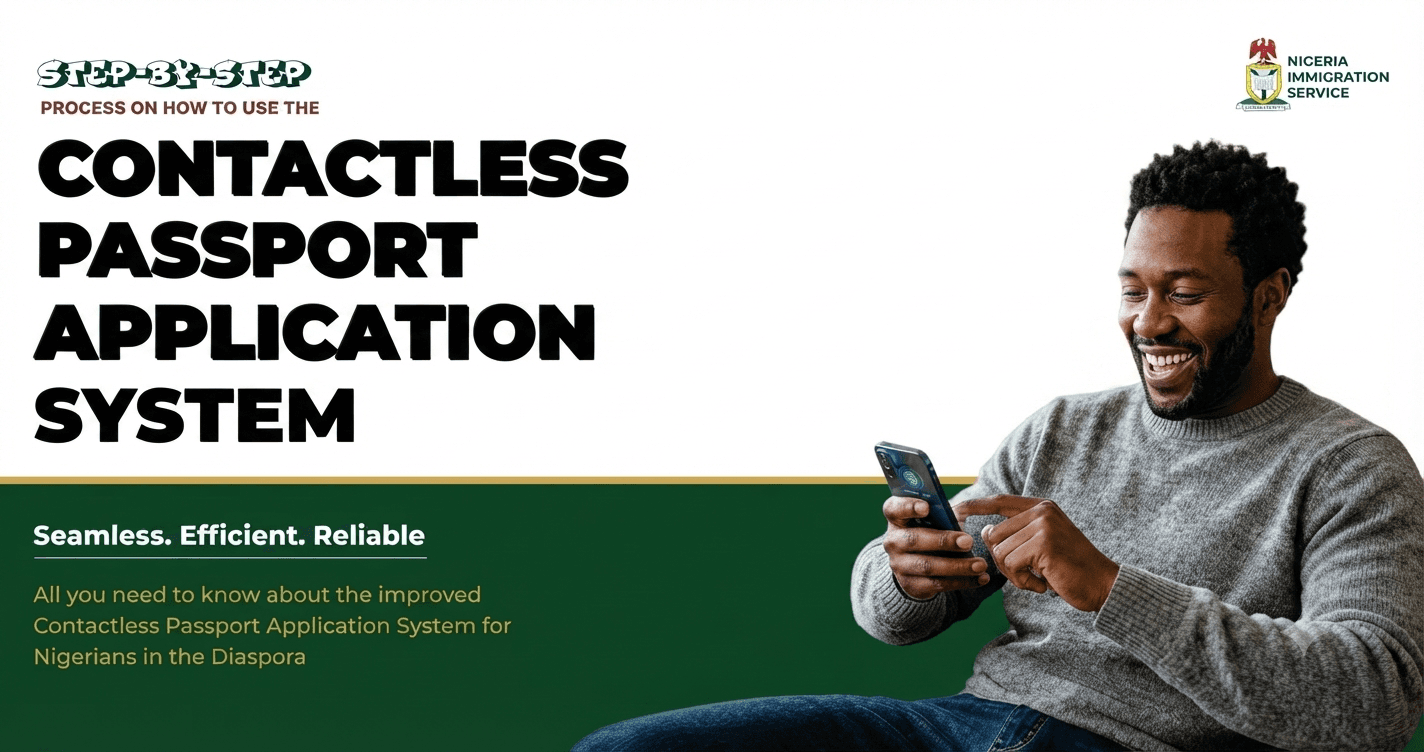
For many Nigerians living abroad, renewing a Nigerian passport has often meant travelling to an embassy or high commission for biometric enrolment.
The Nigeria Immigration Service (NIS) has now released an updated step-by-step guide for its Contactless Passport Application System, making the renewal process more convenient for eligible Nigerians in the diaspora.
If you're a Nigerian living in the UK, here's what you need to know.
What Is the Contactless Passport Application System?
The Contactless Passport Application System allows eligible Nigerians living abroad to complete their passport renewal application and biometric enrolment using the official NIS Mobile App, instead of attending an embassy or high commission for biometric capture.
This service is part of the NIS's efforts to simplify passport renewals through digital technology.
Who Can Use It?
The contactless service is only available to eligible applicants
If, after verification, you are found ineligible, you'll need to book a physical biometric appointment at your selected Nigerian embassy or high commission, such as the Nigerian High Commission in London.
Step-by-Step Guide
According to the Nigeria Immigration Service, eligible applicants should:
1. Visit the official NIS Passport Application Portal. https://passportintl.immigration.gov.ng
2. Click Continue
3. Select Apply for Renewal/Re-issue
4. Create an account.
5. Verify your identity using your National Identification Number (NIN) and date of birth.
6. Complete the passport renewal application.
7. Select the Nigerian embassy or high commission where your passport will be processed.
8. Upload the required supporting documents.
9. Pay the passport booklet fee.
10. Receive your Application ID and Reference Number
11. Select the Contactless option under Application Status/Book Appointment.
12. Read the instructions and opt in.
13. Download the official NIS Mobile App
14. Sign in and select - Passport Application Services
15. Complete facial image, fingerprint and liveness verification through the app.
16. Submit your biometric information.
What Happens Next?
Once your biometric enrolment has been successfully completed through the app, you'll need to:
Print your application form.
Print your payment receipts.
Include your current passport.
Send the required documents in a self-addressed return envelope to the embassy or high commission you selected during your application.
You can then monitor your passport application's progress using the NIS tracking system.
What About Nigerians in the UK?
This update is particularly good news for Nigerians in the UK.
If you're eligible, you may no longer need to attend the Nigerian High Commission in London for biometric enrolment, potentially saving time and reducing travel.
However, some applicants will still need to attend an in-person appointment if they do not qualify for the contactless process.
Auntie Tobi's Advice 💚
If your Nigerian passport expires within the next 6–12 months, it's worth starting the renewal process early to avoid travel disruptions.
Before applying:
✔️ Ensure your NIN details match your passport information.
✔️ Use only the official Nigeria Immigration Service passport portal
✔️ Keep copies of all receipts and application documents.
✔️ Check whether you're eligible for the contactless service before making travel plans.
Auntie Tobi will continue bringing you practical updates that help Nigerians living in the UK navigate life with confidence.
Have you renewed your Nigerian passport recently? Share your experience in the comments to help other members of our community. 🇳🇬🇬🇧


Comments(0)